
The official launch of the latest Google operating system, Android 17 (also known as Cinnamon Bin), is announced, and this time, the release of this software from the company that traditionally occurs during the fall months happens six months earlier than expected – on June 16, 2026. Being one of the first adaptive systems, it introduces revolutionary changes into our mobile life by combining state-of-the-art deep AI and high security levels.
What Is Android 17?
Android 17 represents the latest release by Google based on the API Level 37 of the operating system. Instead of relying on the addition of features, the new Android release emphasizes agentive intelligence, real-time security automation, and dynamic desktop level layout paradigms for multitasking capabilities.
Android 17 Release Date and Availability
It is notable that the stable build for Android 17 was rolled out globally from June 16, 2026. The OTA updates were instantly dispatched by Google to all its Pixel device lineup. Other major OEMs of Android smartphones have already started the process of final integration of the new build into their respective ecosystems.
Top New Features in Android 17
Some of the notable modifications introduced include the following:
- Hide App Labels: People who love minimalistic designs have the option of going into Wallpaper & Style > Icons and switching off “Show app names” to maintain the cleanliness of their home screens.
- Modified Indicator Icons for Quick Settings: The pills used to activate/deactivate Camera, Location, and Microphone permissions are more narrow and feature different circles.
- Frosted-Glass Blur on Widgets Menu Panels: The panels containing system widgets are now heavily frosted and blurred similar to the notification shade.
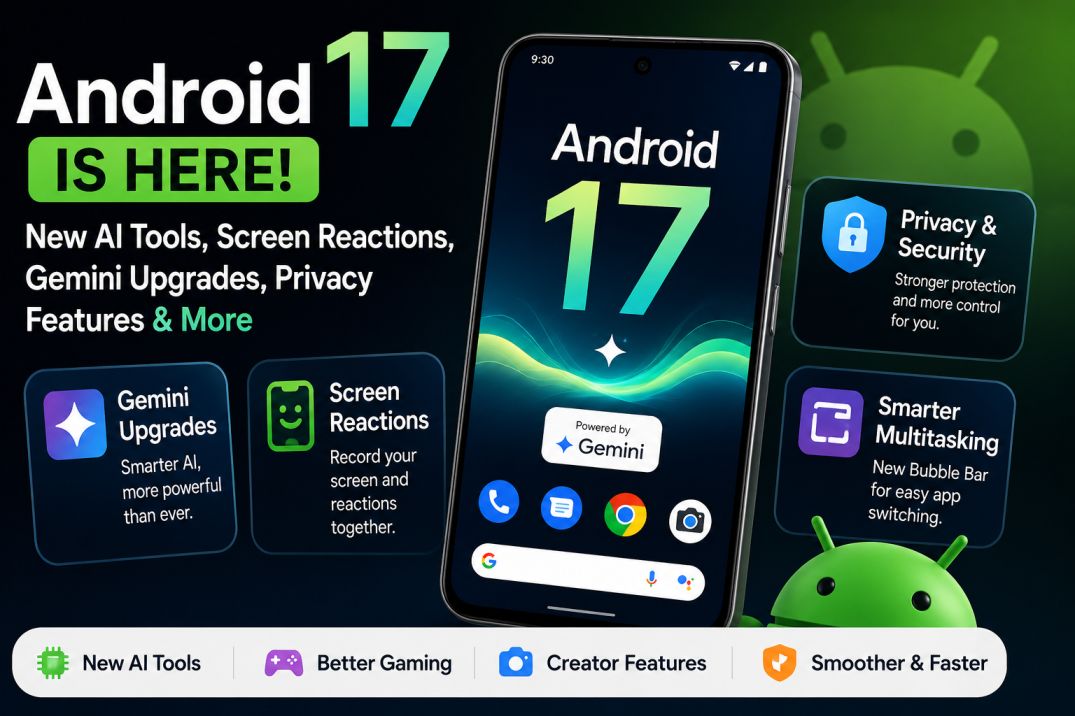
Gemini AI Upgrades in Android 17
AI is no longer simply an overlay application but instead a native feature built into the core layer of the system.
- The Gemini Intelligent Framework: Some advanced flagship devices will get a package of proactive and agentic AI tools that enable the system to automatically perform multiple-step tasks on third-party applications.
- Lyria 3 Music Creation: AI has been deeply integrated into the system such that by simply providing a textual description or image, users will be able to get Gemini to create music tracks and background lyrics for them.
- Multi-Modal Advanced Editing: With the June Pixel Drop system, users will be able to use textual conversations to edit videos, change the ambiance of recordings, and also create responsive AI avatars.
What Are Screen Reactions?
As the name suggests, Screen Reactions is a pre-built utility that requires neither external green screens nor complicated video editing pipelines to create videos. Users can easily access it through the modified Quick Settings screen recording toolbar and make use of both the front-side camera view as well as any ongoing activity on the phone’s screen at the same time. With a couple of clicks, you can record yourself making reactions and commenting on web pages, game rendering pipelines, or videos.
Bubble Bar and New Multitasking Features
Multitasking transitions on Android 17 have evolved far beyond basic split-screen modes into a comprehensive windowing environment.
Next-Gen System Bubbles
Beyond messaging apps with traditional APIs, users can convert any app to a bubble that can be minimized, dragged, or enlarged on top of ongoing workspaces simply by long pressing the icon of the app.
The Dedicated Bubble Bar
The Bubble Bar, a unique feature exclusive to the larger screen areas on tablets and foldables, is introduced in Android 17 and embedded within the system taskbar. This feature helps organize several floating bubbles and makes switching between tools easy for users, enabling them to view video tutorials or even take notes during travel.
Android 17 Privacy and Security Improvements
Google has deployed intense hardware and software-driven encryption blocks to safeguard user data against digital threats and physical theft.
Core Security Infrastructure Snapshot
| Security Parameter | Official Operational Protocol |
| Temporary Location Access | Runtime prompt adds an explicit checkbox for one-time precise location validation that auto-expires. |
| System Contact Picker | Grants apps access to manually selected contacts rather than sharing the full address book registry. |
| Biometric “Mark as Lost” | Find Hub protocol forces strict biometric validation; thieves cannot disable tracking even with the passcode. |
| Rate-Limiting Lockscreen | Drastically scales down total allowable PIN guess attempts and applies longer cooldown delay intervals. |
| Live Threat Detection | Real-time background systemic behavioral scans explicitly targeted to identify active financial scams. |
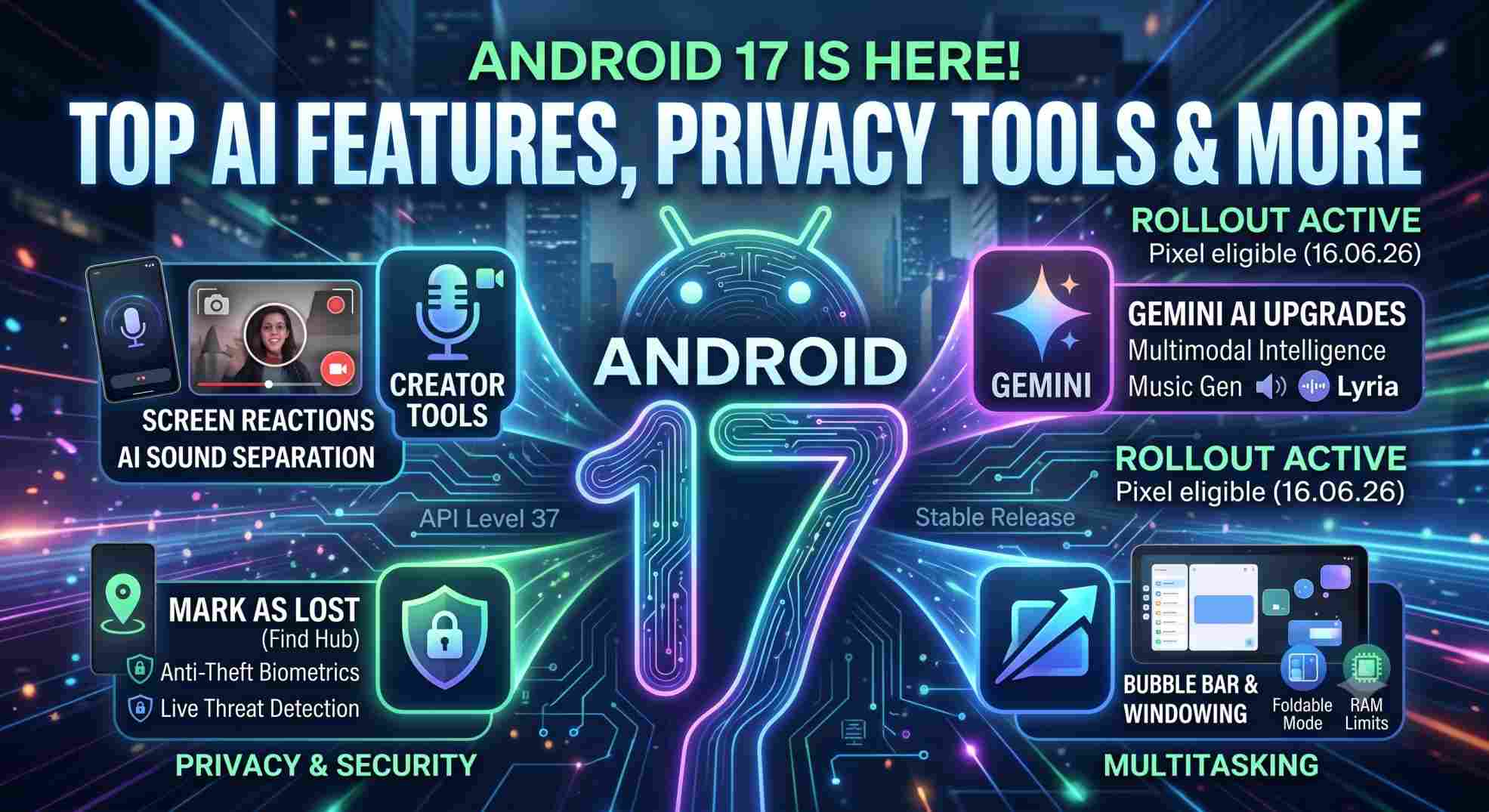
New Creator Features for Content Creators
In addition to the basic Screen Reactions utility, Android 17 functions as an all-in-one media station for mobile devices.
- Optimized Instagram Upload Workflows: By leveraging the universal UVQ certification processes, videos taken and uploaded straight from the Android device will not lag behind competing services when it comes to providing stunning Ultra HDR quality footage.
- Artificial Intelligence-based Sound Segmentation: These built-in editing utilities will be able to recognize certain sound frequencies and remove or improve their presence in the recording.
- Advanced Professional Videos (APV): This high-performance media format, developed by top industry professionals, is designed to achieve maximal efficiency on flagships.
Android 17 Gaming and Performance Enhancements
An enhanced structure for mobile gaming ensures an ongoing cycle of frames even under extremely heated conditions.
Foldable Gaming Mode (50/50 Layout)
New foldable smartphones use the custom 50/50 orientation system. Here, the structure ensures that the primary gaming screen is mapped to the upper half of the display while the touch-sensitive gamepad is assigned to the lower half.
Hardware Control and RAM Efficiency
- Remappable Native Controllers: For users who wish to use their own third-party controllers, there is built-in support within the Android settings panel for remapping system functions across all apps.
- App Memory Caps: In order to protect battery longevity and memory integrity, Android 17 restricts app memory usage to a percentage of hardware capabilities.
- Lock-Free MessageQueue: Improvements within the system runtime environment have lowered UI glitches and input latency by 4% to 9%.
Android 17 vs Android 16: What’s New?
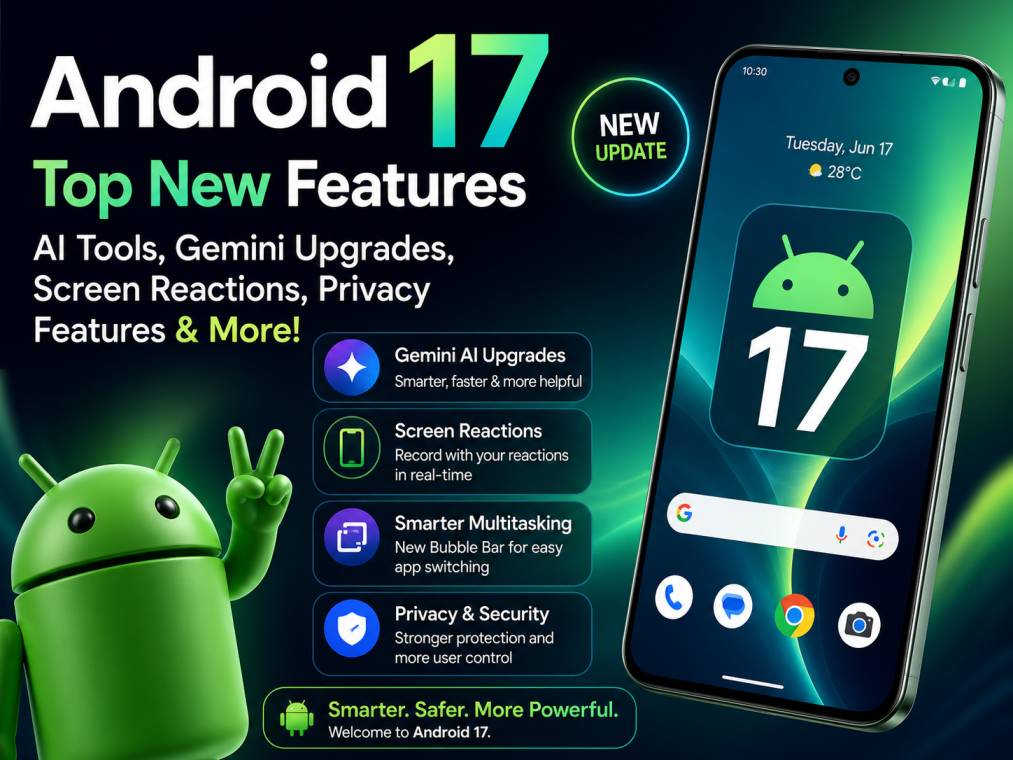
- Multitasking Restrictions: Whereas Android 16 restricted floating bubbles for apps to just communication apps, Android 17 applies the concept to all system apps.
- Screen Size Optimization: Android 17 fully eliminates developer options that used to allow apps opting out of scaling when the screen is bigger than 600dp.
- Recreation of Activity: Whereas in Android 16 activities used to be recreated on changes in keyboard layout settings, Android 17 manages the change seamlessly using onConfigurationChanged().
Which Phones Will Get Android 17?
The official stable platform deployment roadmap started directly with Google’s proprietary Pixel ecosystem, including the following models:
- Pixel 6, 6 Pro, and 6a
- Pixel 7, 7 Pro, and 7a
- Pixel 8, 8 Pro, and 8a
- Pixel 9, 9 Pro, 9 Pro XL, and 9 Pro Fold
- Pixel 10, 10 Pro, 10 Pro XL, and 10 Pro Fold
- Pixel Tablet and original Pixel Fold
Remark: The top-tier, high-end smartphones of Samsung, OnePlus, Xiaomi, and Realme will be utilizing their own proprietary system interface (One UI 8/OxygenOS 17, for instance) built on this very same architecture during the rest of 2026.
How to Download and Install Android 17
As an owner of a supported Google Pixel phone, you have the option to manually perform the stable version installation right away:
- Connect your phone to a steady Wi-Fi connection and ensure that the battery is at least 50% full.
- Go to the Settings app and select System.
- Tap the System update under System.
- Tap the “Check for update” button, and once you receive the notification about the stable OTA update package, tap Download & Restart.
Hidden Android 17 Features You Should Try
- Easter Egg of the Dot Connection: Simply head to Settings > About Phone > Android Version, and click on the label “17” very quickly a few times to access the constellation grid game.
- Integration of the Satellite Tiles: The supported phones with communication services now have an easy option to access Satellite Connectivity routing options.
- App by App Force Dark Theme Toggle: An advanced toggle by the developers lets users force enable the dark theme profile for applications that don’t natively support it.
Android 17: Pros and Cons
Pros:
- Revolutionary 7,540mAh class ultra-dense silicon battery management support.
- Deeply integrated, system-level Gemini AI tools.
- Unmatched anti-theft biometrics via Find Hub lockouts
- True desktop-style multitasking via the Bubble Bar.
Cons:
- Onboard processing requirements (Advanced functionality needs 12GB and above memory configuration).
- Legacy memory support deprecated (ION allocation scheme no longer supported).
Is Android 17 Worth Updating To?
There can be no question that Android 17 qualifies as one of the most polished, refined, and structurally sound system updates ever introduced on smartphones. Considering that this update addresses real-life questions related to phone robbery, background RAM drain chaos, and creator inefficiencies in their workflow, it is strongly advised to immediately update your smartphone if eligible.
Conclusion: The New Structural Standard
Android 17 can be said to be among the most useful, stable, and security-focused updates ever delivered by Google in the smartphone age. With a clear solution to persistent problems, such as full physical protection of information in case of theft of devices, to the problems of random RAM consumption in the background, Android 17 sets a new standard for the user experience. Although the use of extensive artificial intelligence frameworks may require more computing power in lower-end smartphones, the visual fluidity, unmatched windowing features, and strong privacy settings are reasons enough for an upgrade when possible.
My Opinion: Is Android 17 a True Leap Forward?
With all that has been seen of the mobile operating system development trends, Android 17 represents a critical structural shift for Google. Up until now, the Android OS updates represented nothing more than superficial changes in interface elements or even some minimal privacy-related options.
- Real Winners: With the capability to transform any application into the floating window and, most importantly, the Bubble Bar feature, Android takes the tablet and foldable experience to the whole new level, combining mobile convenience with desktop efficiency. In addition, the extreme anti-theft biometrics with the feature called “Mark as lost” represent an excellent response to user concerns.
- Creator Perspective: With Screen Reactions included directly into the screen recording feature, Google proves that it listens to its users and cares about their needs.
- Underlying Constraint: Yet, a hardware constraint is definitely arising. In order to handle all sorts of local multi-modal operations without any hitch, there is a heavy reliance on the 12GB+ RAM pipelines by the system. Those that are running older and/or cheaper chipsets on 8GB variants can be affected.
Frequently Asked Questions (FAQs)
What are the best Android 17 features?
Some of the major new features include the all-new App Bubbles feature along with the tablet-specific Bubble Bar, the Screen Reactions creation tool using dual capture, and the security Mark as Lost biometric options under the Find Hub system.
Which phones support Android 17?
Currently, stable availability includes the Google Pixel 6 line all the way up to the latest Google Pixel 10 line. Flagship global devices from other vendors will be getting the update package systematically right until late 2026.
Is Android 17 available for Samsung and OnePlus?
Sure, the source code has already been released. Samsung and OnePlus are now fine-tuning their respective UI skins, One UI 8 and OxygenOS 17, which should begin their official release process shortly in the coming months.
What are the new Gemini AI features in Android 17?
Android 17 provides systemic integration for Google Gemini, offering automated multi-step cross-app task completions, on-device audio cleanups via sound separation matrices, and custom Lyria 3 generative music capabilities.
Is Android 17 free to install?
Yes, Android 17 is completely free of charge to download and install for all eligible consumer devices provided through official over-the-air (OTA) manufacturer update channels.
Read Also: Android App Verification Service: Is This the End of APK Sideloading?