
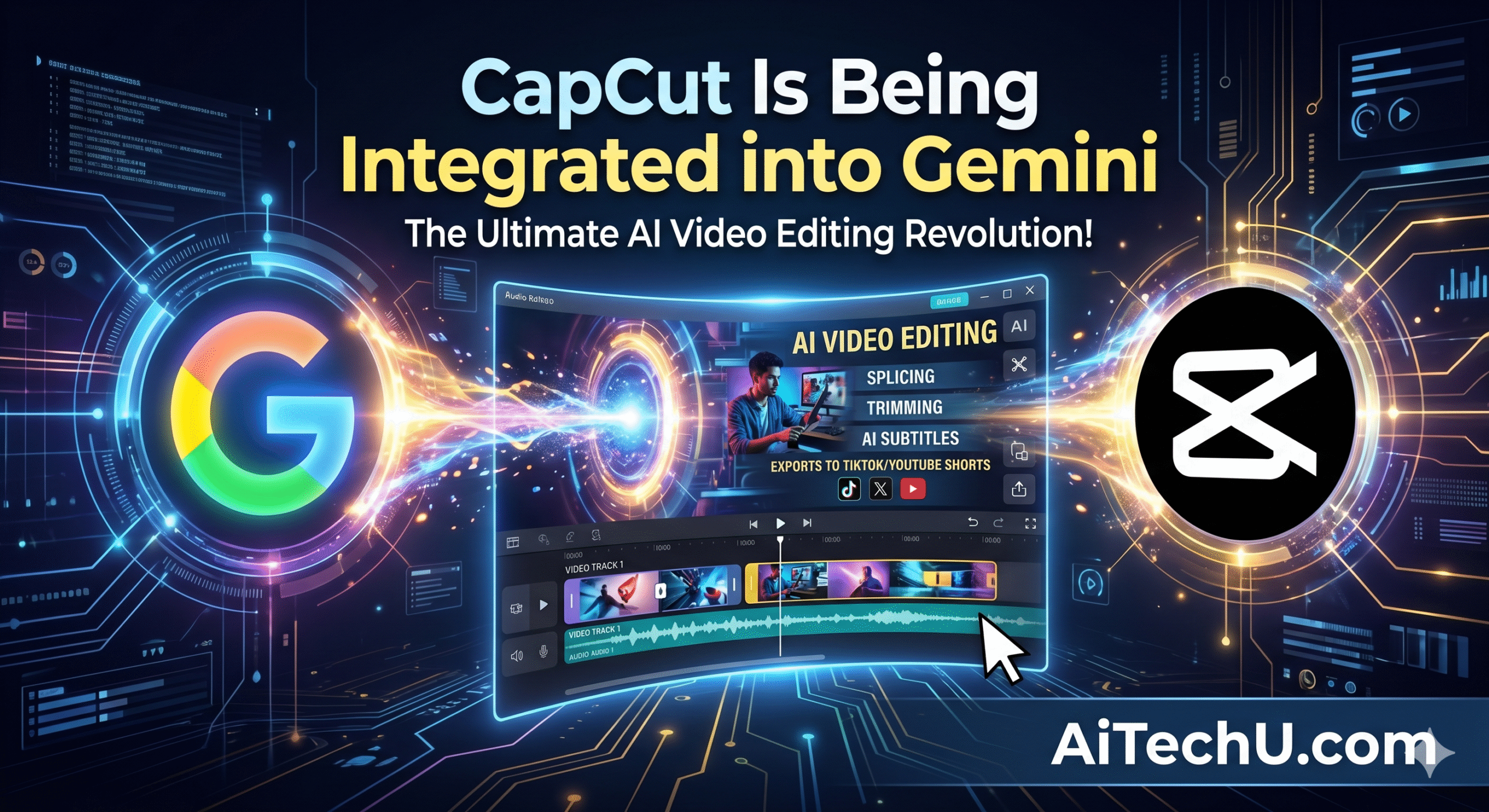
It’s not just about text generation, code writing, or smart searching anymore! It looks like AI has moved on from its previous domain of battles, making way for multimedia creation. As you might have guessed, Google is collaborating with ByteDance to include CapCut, a popular video editing tool, within Gemini. it is CapCut Gemini Integration.
Think of trimming, cutting, and arranging your videos without even touching your mouse thanks to your AI chatbot. The upcoming partnership between the two companies is all set to take video editing to a whole new level.
This is everything you need to know about this groundbreaking partnership between Google and ByteDance (CapCut).
Why CapCut and Gemini is a Match Made in Tech Heaven
To those unfamiliar, CapCut (developed by ByteDance) is undoubtedly the best mobile and short-form video editor out there. The ease-of-use, cool transitions, and huge bank of assets have made it the choice app for TikTok users, Instagram Reels creators, and YouTube Shorts makers.
Whereas, Google Gemini offers unparalleled multimodal performance, capable of understanding text, code, audio, and even video all at once.
By integrating the amazing capabilities of CapCut into Gemini’s interface itself, Google is making it so that one doesn’t need to constantly switch between various applications. Instead of Gemini only being able to plan out your video script, Gemini will actually be able to create it for you!
Key Features: What Will You Be Able to Do?
Gemini is now poised to shift from being just an interactive AI chatbot into a functional production house. These are some of the capabilities offered by Gemini once integrated:
Text to Video Splitting/Editing: Upload a 10-minute video that needs to be cut down to size to get rid of any interruptions and then ask Gemini to splice together the best parts into a minute-long clip.
Advanced Transitions and Formatting: Ask Gemini to switch a video from a landscape mode into a portrait one by telling its engine that you want a specific video to work on Instagram Reels.
Stock B-Roll Footage Integration through Prompting: Do you need footage to highlight the key moment in your video? Gemini will select the most relevant clips or graphics from the extensive library in CapCut.
Direct Uploading to Social Media Channels: Once the editing process is over, the result can easily be uploaded directly to YouTube, Tiktok, or storage without the hassle of downloading big files.
The Missing Piece: Why an AI Subtitle Feature is Crucial
Although having the ability to cut and splice inside of a chatbot is amazing, there is one huge feature that all creators are dreaming about Google and CapCut adding into Gemini: Advanced AI Subtitles.
The Caption Factor: Almost 80 percent of short-form videos posted on social media platforms are viewed without sound. Subtitles are no longer an option; rather, they have become a necessity.
This new addition of CapCut’s industry best auto-captioning technology will catapult Gemini above its competitors. Creators could simply type “Create vivid, vibrant subtitles for this video and mark key terms in yellow.”
How This Disrupts Competitors (ChatGPT & Canva)
In essence, this collaboration is directly aimed at both ChatGPT (and Sora video model) of OpenAI and design tools such as Canva. While Sora is capable of producing impressive video clips, it is unable to provide the precision in terms of editing required by creators.
With CapCut integration into the platform, Google is providing users not only with AI-based videos but also the capability of working with such video materials using professional tools enhanced through AI technology. This completely eliminates barriers for regular content creators.
AiTechU’s Take: Why This is a Masterstroke by Google
In my view, this collaboration is a strategic move by Google aimed at acquiring the Gen-Z and creator economy that has largely moved towards short-form vertical video content.
Although OpenAI’s Sora and other generative video AI models are impressive demonstrations on how things would look on screen, they have one major limitation: non-editable nature. Suppose you generate a video through your generative AI, and you want to edit any part, such as a transition or a scene. You would likely regenerate the entire clip from scratch, wasting your time and computational efforts.
Google is taking the actual problem of video creation seriously and solving it by combining Gemini’s AI capabilities with CapCut’s powerful editing interface.
Nonetheless, to make it revolutionary, the Google team needs to be careful about not making advanced tools, including auto-captioning, only available through paid subscriptions. Should they integrate text-prompted auto-captioning and automated splicing even in the free or mid-range plan, Adobe and Canva would really struggle.
Conclusion: The Dawn of AI-Driven Video Production
The soon-to-be released integration of CapCut with Gemini is just another proof that the next big thing in content creation lies in voice and text-based content generation tools. With the help of Google’s cutting-edge multimodal intelligence technology integrated into the popular CapCut mobile editing software, creators get an unprecedented toolkit that will cut their video scripting, shooting, and editing time by a tremendous amount compared to TikTok, Instagram Reels, or YouTube Shorts.
Although we’re yet to see whether there’ll be any AI subtitle feature available with the initial release of Gemini, we can say for sure that making professional-grade videos has never been easier than now – at least not until other competitors catch up with their similar solutions.
What do you think about this development? Are you going to switch to Gemini when its integration with CapCut becomes available, or do you like traditional timeline editing better? Drop your opinion in the comment section below, and make sure to subscribe to AiTechU for the most rapid tech reviews and AI articles out there!
Frequently Asked Questions (FAQs)
Q1: Will I need a separate CapCut account to use this feature in Gemini?
Ans: While official account link details are yet to be finalized, it is highly likely that basic features will work directly inside Gemini. However, accessing premium CapCut assets or cloud saves might require linking your existing CapCut/ByteDance account.
Q2: Will the CapCut integration be free within Google Gemini?
Ans: Basic splicing, trimming, and editing prompts will likely be available to standard Gemini users. However, advanced AI features, high-resolution exports, and premium templates might be locked behind the Gemini Advanced subscription.
Q3: Can Gemini edit complex, multi-layer professional videos?
Ans: Initially, this integration will focus heavily on short-form content (YouTube Shorts, Reels, TikToks) and quick edits like trimming, text overlays, and basic cuts. For complex, multi-cam, and heavy multi-layer grading, professional software like Premiere Pro or DaVinci Resolve will still be required.
Q4: Is there a security risk given CapCut’s ties to ByteDance?
Ans: Google has strict data privacy protocols for its Gemini enterprise and personal workflows. The integration will likely route editing commands through secure APIs, ensuring your uploaded raw videos remain private and handled according to Google’s standard privacy policies.
Q5: When will the CapCut Gemini integration be rolled out to the public?
Ans: Google and ByteDance are rolling this out in phases. Developer betas and early-access testing are expected to begin soon, with a broader global rollout hitting web and mobile versions of Gemini later this year
Read it: PlayStation Plus Worth Buying in 2026? Ultimate Tier Guide